Revolution EDA v1.0.0 Released — First stable release version
06/10/2026 — Revolution EDA reached a milestone by signaling that it is now production-ready.
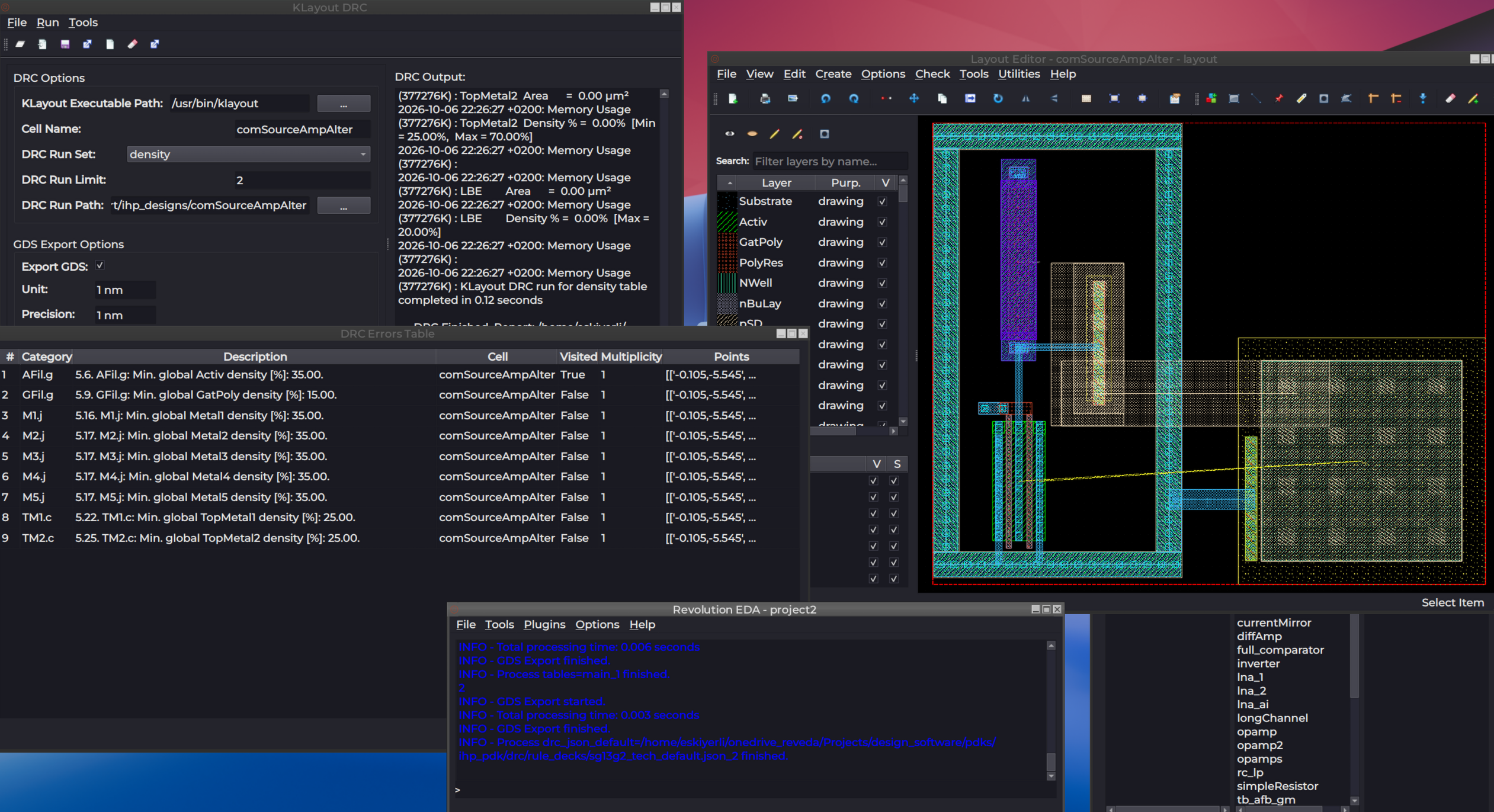
Revolution EDA 1.0.0 Released
Revolution EDA 1.0.0 is now available. This is the first stable 1.0 release of the open-source EDA environment for analogue and mixed-signal IC design.
The release includes changes across the design flow, with a particular focus on improving the underlying design data model and the integration between schematic, layout, verification, netlisting, and extraction.
Unified connectivity
Version 1.0 introduces a unified connectivity engine.
The same connectivity model is used for schematic editing, layout connectivity, design checks, probing, netlisting, and RC extraction. This reduces duplicated connectivity logic and provides a common basis for these operations.
Having a common connectivity model also makes it possible for functionality developed for one part of the design flow to be used by other parts of the application.
Schematic design
The schematic editor now supports:
- EDIF import
- Spectre and VACASK netlists
- Subcircuit parsing and automatic symbol generation
- Rule-based schematic checks
- Improved wire editing and collinear net merging
- Improved hierarchy navigation
- Multi-colour net probing
Netlist import and automatic symbol generation make it possible to work more easily with existing designs and simulation models.
Layout
The layout editor includes several changes in this release:
- Hierarchy display levels
- Lazy loading of instances
- Shape merge and stretch operations
- Improved snapping
- Redesigned edge-snapping rulers
- Improved PCell support and previews
Loading performance for large layout files has improved by up to 20×, depending on the design.
PCell loading and parameter handling have also been improved.
Verification and extraction
Version 1.0 adds several capabilities to the physical design flow:
- LVS mismatch tables
- SPEF views
- Via-enclosure checks
- Integrated RCX/PEX
- Export to SPICE, SPEF, Spectre, and VACASK netlists
RCX/PEX uses the same connectivity infrastructure as the other parts of the design flow.
The aim is to keep schematic, layout, verification, and extraction based on consistent design information rather than treating each operation as a separate data path.
Design data and projects
Revolution EDA continues to use JSON for schematic, symbol, and layout data.
Version 1.0 adds JSON Schema validation and persistent design-data versioning. These provide a way to identify invalid or outdated design data as the data format evolves.
Project configuration is now local to each project. The release adds support for .env, library.json, and reveda.conf files, together with recent-project support.
This makes project configuration more explicit and reduces the dependency on global application configuration.
Plugins
The plugin architecture has also been extended.
Version 1.0 includes:
- API and capability negotiation
- Registry update checks
- Safer plugin boundaries
- Action-level commercial licensing
Functionality that is independent of the core editor can therefore be developed and distributed as a plugin.
This provides a mechanism for extending Revolution EDA with additional design, analysis, automation, and other specialised functionality without adding all of it to the core application.
Packaging and platforms
The release includes changes to packaged builds, logging, PDK loading, portability, and configuration management.
Standalone builds are available for Windows and Linux.
Version 1.0 includes 59 commits and 369 changed files since version 0.9.0.
Getting the release
The complete release notes, upgrade information, and compatibility details are available on GitHub:
Revolution EDA 1.0.0 release on GitHub
Revolution EDA is released under the Mozilla Public License 2.0.
We will continue to develop the core design environment, improve PDK support and the analogue/mixed-signal design flow, and expand the plugin architecture in subsequent releases.
Get Started
- Downloads — grab the installer for your platform
- Documentation — learn how to use Revolution EDA
- Plugins — explore premium plugins for simulation, plotting, and AI assistance